
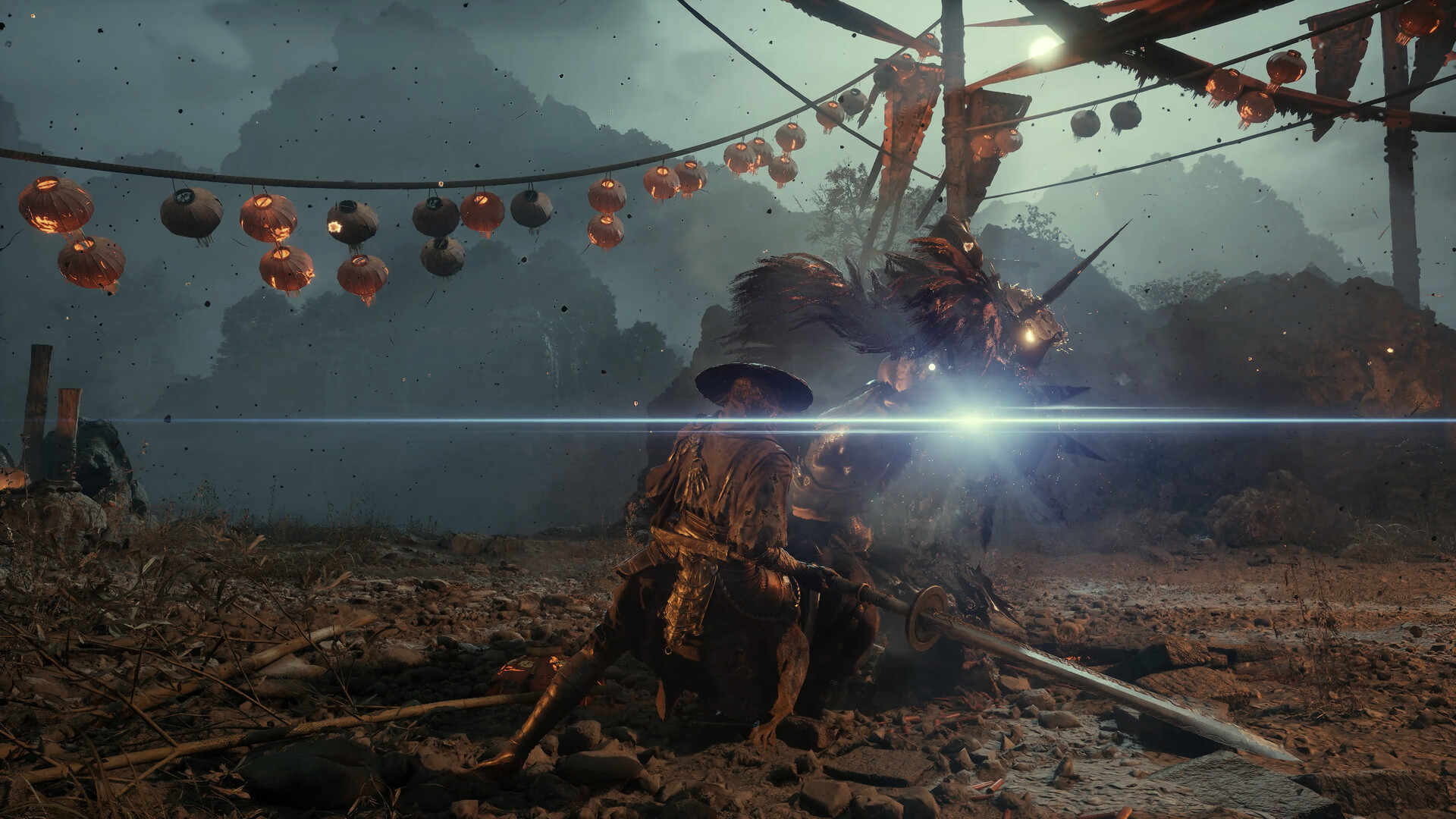
S-GAME posted the patch notes for Phantom Blade Zero version 1.0302256 to Steam on November 4, 2026, about a week after the game unlocked on October 28 at 7:00 PM PDT. The notes describe the update as new audio and control options, performance improvements, combat adjustments, and bug fixes. The Steam discussion thread for the patch filled up quickly with the same few questions: did the bosses get nerfed, why do I have to compile shaders again, and is the stutter fixed. This page goes through each line of the official notes, separates PC-only items from changes on every platform, and tells you what, if anything, you should do.
One ground rule. The notes use wording such as "certain bosses and enemies" and "certain areas" without naming them, with one exception. This guide does not guess which encounters were touched beyond what S-GAME wrote. If an encounter feels different after the update, the patch could be the reason, but the notes do not let anyone confirm that for a specific fight other than the one named below.
PC: the shader compile change and who has to recompile
The largest practical change for PC players is the shader compilation process. According to the notes, S-GAME updated it to significantly reduce startup times, and ray tracing shaders are no longer compiled by default at startup. What that means for you depends on how your game was set up before the patch.
- Ray Tracing was off before the patch: you need to recompile shaders on your first launch after the update. S-GAME calls this a one-time process that should take only a short time.
- Ray Tracing was on before the patch: you can start playing without recompiling.
- You turn Ray Tracing on later: the ray tracing shaders are compiled separately the next time you restart the game.
That last point matters if you like to test settings. Toggling Ray Tracing on is no longer a free menu change. It sets up a compile on the next restart, so plan for it instead of assuming the game is hanging. If you want to compare frame pacing with and without ray tracing, do it in one deliberate session: switch the setting, restart, let the compile finish, and then test the same area you tested before. Our PC launch setup guide has a measured stutter checklist that works well for that kind of before-and-after comparison.
Do not interrupt the first compile. A compile that looks stalled is usually still working, and quitting it can mean starting over. Leave the game on that screen, keep the launcher open, and avoid running other heavy downloads in the background while it finishes.
Hua, Deadly Betrothed: grab frequency on Wayfarer and Pathbreaker
The only enemy named in the notes is Hua, Deadly Betrothed. The change is narrow: the frequency of her grab attacks was reduced on the Wayfarer and Pathbreaker difficulties. The notes say directly that other difficulty settings are unaffected. If you play on Hellwalker or the Sixty-Six Days setting, the patch notes do not describe any change to her grab frequency on your difficulty.
Players have been debating this in a Steam discussion thread simply titled "Hua." Several Hellwalker players said they were glad their version was left alone, while others argued that the fight had been fine on lower difficulties too. Some posters named the fight's visual effects as the real problem, saying the white flowers she releases make her red attacks harder to see. That is a player observation, not something the patch notes address, so treat it as context for why the fight became a talking point rather than as a confirmed mechanic.
If Hua is where your run stalled, the practical advice does not change much. Fewer grabs on Wayfarer and Pathbreaker means fewer moments where a single mistake turns into a long punish, but the rest of her moveset is not described as changed. Spend your first attempts after the update watching how often the grab actually appears compared with what you remember. If it is rarer, you have more room to commit to punishes after her other strings. Our boss practice plan walks through a one-question-per-attempt method that suits this kind of re-learning.
Other combat changes the notes describe
Beyond Hua, the notes list three combat-related adjustments. The combat behavior of certain bosses and enemies was adjusted, along with the functionality of certain environmental mechanisms. Weapon hit feedback was improved. Weapon descriptions, certain skill descriptions, and controller button icons were updated.
The first item is the one people asked about in the patch thread, with replies along the lines of "is that code for nerfed?" The honest answer is that the notes do not say. "Adjusted" can mean easier, harder, or simply fixed, and no encounter is named. The description updates are the more useful item for planning. If you picked a weapon or Phantom Edge based on its old description, read it again before you spend upgrade materials on it. The text you made your decision from may have changed, even if the weapon itself did not.
The bug fix list includes fixes for issues that could prevent progression under certain conditions, environmental issues that could leave the player character stuck, various cutscene and visual issues, and several combat-related issues. One player in the patch thread said they had been knocked back and caught on small terrain objects; that matches the type of problem the "stuck" fix describes, though the notes do not list individual locations.
New hit sound sliders and the blade-clash audio
Two new options were added to the audio settings: Hit Sound Intensity and Hit Impact Sound Intensity. The notes also say the volume of certain sound effects and dialogue was adjusted. These sit alongside the blade-clash tone option that S-GAME's October 28 launch message described, which lets you tailor how each clash sounds and feels.
Because there are now two separate sliders, test them one at a time. Lower or raise one, fight a few ordinary enemies, then decide before you touch the other. If clashes were fatiguing through headphones, the intensity sliders are the first thing to try. If you rely on sound to time your defense, keep them high enough that a successful clash stays distinct from background music and effects. Our controller layout and blade audio guide has a short exercise for judging whether an audio setting actually makes exchanges easier to read.
PC: Interact remapping, Bluetooth stutter, and NVIDIA Reflex
Three more PC-only lines are easy to miss.
- Interact / Talk remapping. You can now remap Interact / Talk on both keyboard and controller. If that action shared an awkward button with something you use in combat, this is the fix you were waiting for.
- Bluetooth controller stutter. The patch reduced stuttering that could occur when using a controller connected over Bluetooth. If you switched to a wired connection to work around stutter, it is worth testing Bluetooth again in an area where you saw the problem before.
- NVIDIA Reflex with V-Sync. Reflex now works when it is set to "Auto" with V-Sync enabled. If you run V-Sync and left Reflex on Auto, check the setting is still where you want it after updating.
On PS5, the October launch message described three button layouts rather than full remapping. The Interact remapping line in these notes is marked PC only, so do not expect a new remap option on console from this patch.
Mods, failed updates, and post-patch problems
The notes close with a warning: some third-party mods are not compatible with this update and may cause issues. If you run into problems after updating, S-GAME asks you to remove any installed mods. In the Steam discussions, the patch was followed by threads from players who could not launch the game or saw new stutter after updating. The notes do not diagnose those reports, but mods are the first thing the studio told players to rule out.
A sensible order when the game misbehaves after the patch:
- Remove any third-party mods and launch again.
- Let the first shader compile finish completely if you had Ray Tracing off before the update.
- Verify the game files through your launcher.
- Update your graphics driver through the vendor's own tool.
- If the problem remains, report it through the support page S-GAME links in the patch notes.
Where the game stands after the patch
On November 4, 2026, the Steam store showed Phantom Blade Zero at Very Positive, with 91% of 6,419 English-language user reviews positive. The store's achievement list also gives a sense of how far players have come in the first week: 31 of the 66 achievements are Hidden, and the rarest visible one, Defy Destiny for unlocking every other achievement, sat at 3.0% of players. Many players are clearly still early in the game, which is why a change aimed at Wayfarer and Pathbreaker can matter to a large share of the audience.
If you were waiting for this patch to start, there is nothing in the notes that changes the opening hours in a way that requires new preparation. Pick the difficulty that suits you from our difficulty guide, keep the beginner combat guide handy, and let the shader compile finish before your first fight.
FAQ
What is the latest Phantom Blade Zero patch? Version 1.0302256, posted to Steam on November 4, 2026.
Did the patch nerf Hua on Hellwalker? No. The notes reduce her grab frequency on Wayfarer and Pathbreaker only and say other difficulties are unaffected.
Why is the game compiling shaders again? If Ray Tracing was off before the patch, a one-time recompile is expected on your first launch.
Can I remap Interact on PS5 now? The Interact / Talk remapping line is marked PC only.
Were any other bosses changed? The notes say certain bosses and enemies were adjusted but do not name them.