
Gameplay · November 1, 2026
Phantom Blade Zero: Controller Layout and Blade Audio Guide
Phantom Blade Zero's launch week is a good time to establish comfortable controls before collecting habits that are difficult to change. The October 28 creator's message confirms three button layouts on PlayStation 5, more flexible remapping on PC, and an audio option that adjusts the tone of clashing blades. These are practical tools for learning an action game, not merely presentation details. This guide explains how to compare a layout during actual combat, make defensive information easier to read, and settle on a practice routine without promising that a particular button arrangement will instantly improve your timing.
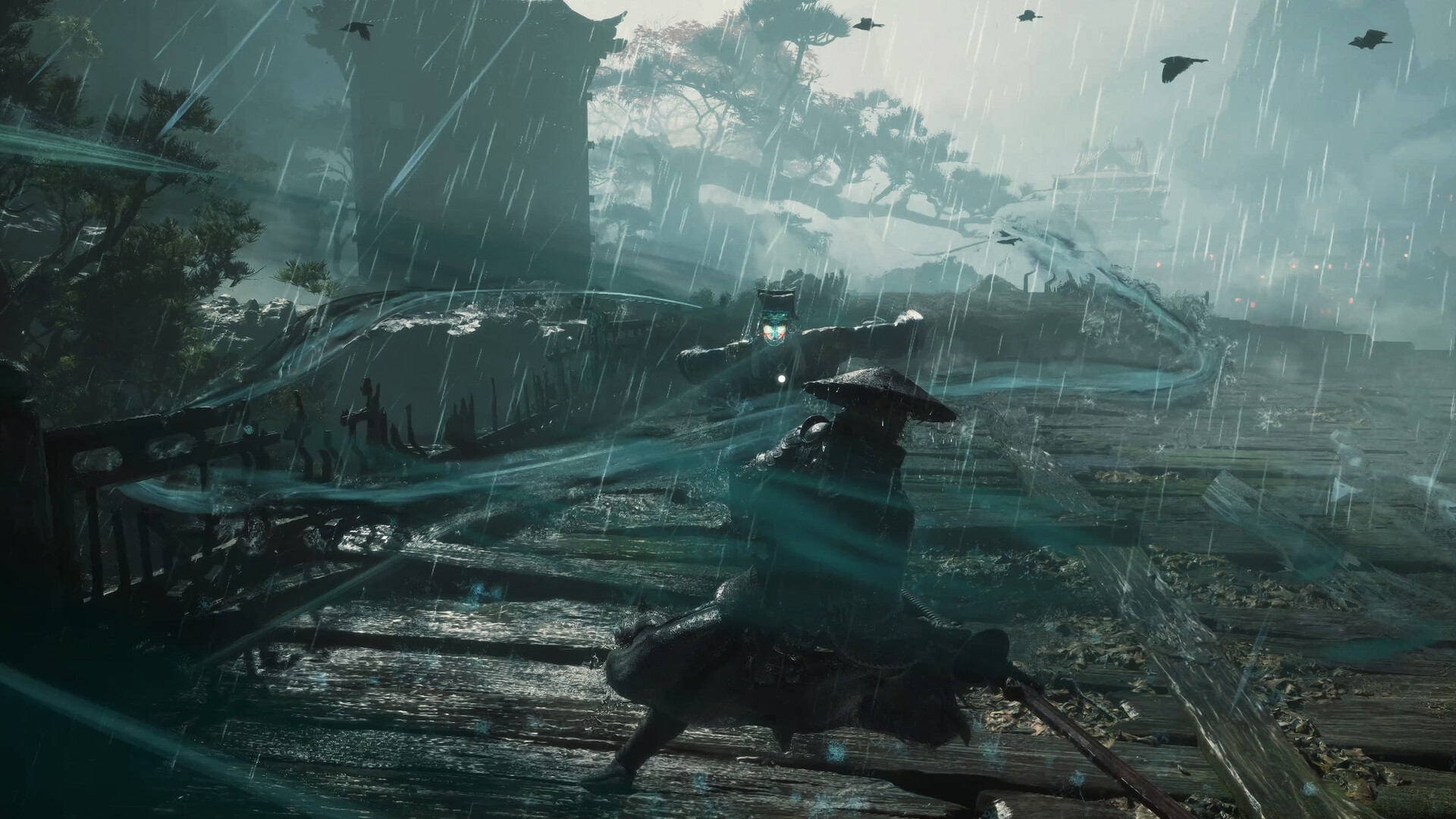
Choose a layout around the actions you repeat Open the control menu before the next demanding encounter. On PS5, compare the three available layouts by locating the actions you use most often: movement, camera adjustment, attacks, and defense. Read the labels in your own menu rather than copying a diagram for a different device. On PC, inspect the remapping options and check whether your preferred combination keeps frequently used inputs accessible. The goal is to avoid an arrangement that forces an awkward hand movement whenever an enemy demands an immediate response.
Pick one candidate and test movement plus defense before adding a long attack sequence. Turn the camera, approach an ordinary opponent, and respond to its opening with the new arrangement. If you repeatedly press the previous button, recognize that as a habit change rather than evidence of input delay. Give the layout a short, controlled trial. Switching between every option after each missed defense prevents your hands from learning any one arrangement and makes it impossible to determine which setup actually feels more comfortable.
Test combinations instead of isolated buttons A button that feels good by itself can become awkward when combined with another action. Check whether you can move, keep the enemy visible, and use defense without losing control of the camera at the moment you need it. Then add a short attack and a deliberate retreat. This sequence approximates an ordinary exchange better than pressing every input once while standing still. Comfort during a menu test matters less than maintaining readable movement during the fight you actually want to learn.
If the combination is uncomfortable, change the smallest relevant part on PC or compare another complete layout on PS5. Keep a record of the original setting so you can return to it. Do not attempt to solve an unfamiliar boss pattern by repeatedly rearranging controls that already work in ordinary encounters. A control problem follows the input across fights; a pattern-reading problem usually appears at a particular enemy action. Distinguishing the two saves time and prevents you from discarding a comfortable setup because one difficult sequence remains unfamiliar.
Adjust blade tone for clarity The blade-clash audio option lets you tailor how collisions sound and feel. Test it in an encounter where you can hear repeated clashes clearly, keeping the overall volume comfortable. Listen for a setting that remains distinct amid the rest of the game's sound rather than simply selecting the sharpest or loudest tone. What feels clear through television speakers may feel tiring through headphones. Your own listening setup matters, and the creator's confirmation of the option does not establish one competitive setting for every device.
Use sound as another observation channel alongside animation. Watch the incoming motion and listen to the clash, then ask whether the two together make the exchange easier to understand. Avoid responding to every metallic sound as though it confirms the same defensive result. Several overlapping enemies or effects can make a noisy fight ambiguous. Practice first in a simpler exchange and note the visible result. Clear audio helps you learn what happened; it should support observation rather than replace attention to the enemy's weapon and position.
Build a short defensive exercise Choose an ordinary enemy with enough space around it and spend the first exchange watching the attack finish. Do not immediately chase a long combo. Identify the beginning, contact, and recovery as separate moments. Then attempt a deliberate defensive response using your chosen layout. If it fails, ask whether you pressed the wrong input, responded to an early movement, or lost sight of the attack. Each explanation suggests a different adjustment, and none requires an invented exact timing window to be useful.
After a successful response, add a brief punish and stop before the enemy resumes pressure. This is a practice structure, not a guaranteed number of free hits against every opponent. Increase the punish only when you can reliably recognize the opening. The exercise teaches your hands to return from offense to defense under the new layout. It also gives you repeated, comparable exchanges for evaluating the blade tone. A spectacular improvised combo provides less useful information if you cannot tell which input ended it or why the next attack connected.
Keep camera work inside the exercise An attack is harder to read when the camera loses the weapon or nearby scenery obscures the enemy. During practice, pay attention to whether your chosen controls let you maintain a useful view without tense hand movements. Move away from a wall when it blocks the action and compare how readable the same exchange becomes. Do not treat every missed defense near scenery as a timing failure. Position and visibility can change the information available before you ever press a defensive button.
When several opponents appear, resist chasing the most dramatic target into an unreadable angle. Reposition so you can understand who is approaching and leave room for your next defensive action. If the battle becomes too noisy to use audio cues reliably, return attention to positioning and visible motion. A comfortable layout should help you make that adjustment quickly. The objective is not to hold an ideal camera angle forever; it is to notice when the view stops supporting your decisions and correct it before committing to another long sequence.
Commit to one setup for a meaningful session Once movement, defense, and a short punish feel manageable, keep the same layout for the rest of the session. Use that time to learn enemy behavior instead of reopening the settings menu after every failure. If you change the blade tone, evaluate whether it improves clarity over several exchanges rather than relying on the novelty of the first clash. Keep the volume comfortable and avoid turning the whole game up simply because a particular battle contains competing effects or music.
At the end, note whether the setup reduced a specific problem: wrong-button presses, awkward camera control, or unclear clash feedback. If it did, keep it and focus the next session on enemy patterns. If it did not, return to the smallest unresolved issue and test one alternative. Launch-week advice can make every option sound essential, but useful configuration serves a simple purpose. It gives you reliable access to the actions you want and enough clear information to understand the result, so that improvement comes from practice you can actually interpret.